
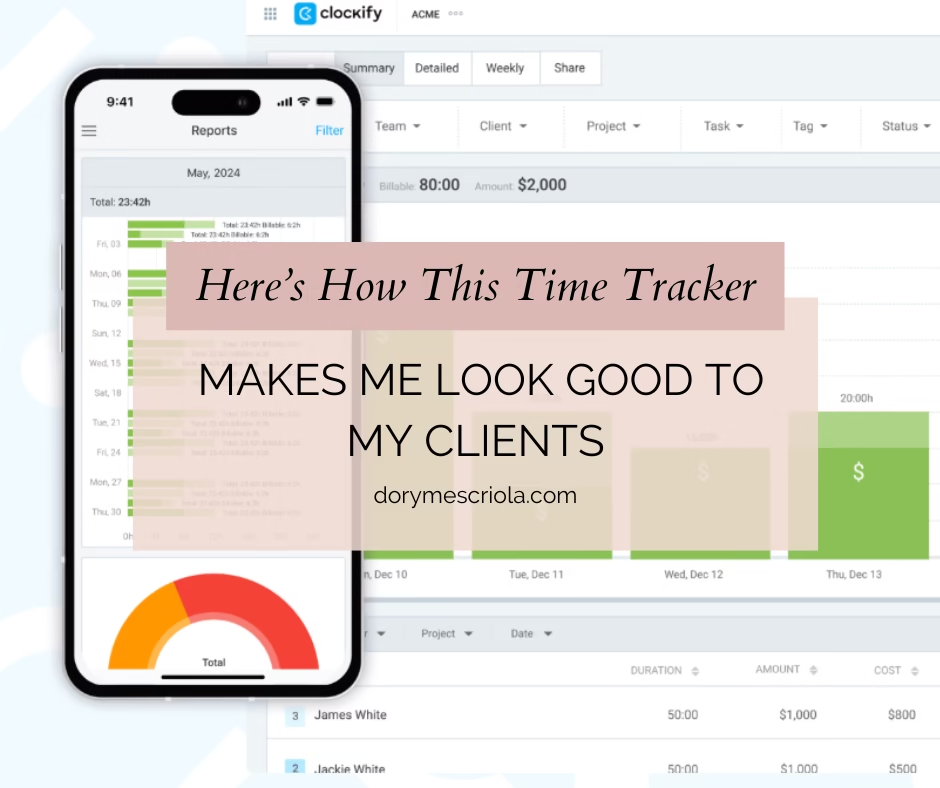
Time tracking used to be one of the things I dreaded the most in my freelancing journey. As a virtual assistant handling different tasks for multiple clients—sometimes all in a single day—keeping tabs on how much time I spent on each project felt overwhelming.
This post contains affiliate links. That means if you decide to try Clockify through one of the links here, I may earn a small commission at no extra cost to you. I only recommend tools I’ve personally used and genuinely find helpful—and Clockify has been part of my workflow for years.
I started with the basics: Google Sheets. I created a table, color-coded my clients, added some formulas, and tried to be consistent. But after a few days, I’d forget to log something or end up estimating hours from memory—which defeats the whole purpose. I gave Notion a shot too since I was already using it for planning, but setting it up for time tracking felt like more work than it was worth.
Eventually, I stumbled upon Clockify, and honestly? I wasn’t expecting much. But the moment I tried it, I was relieved. No complicated setup. No steep learning curve. Just a clean interface and a big “Start” button that made tracking time super simple—even on days when my brain felt like mush.
As of this writing, this is how my Clockify dashboard looks:
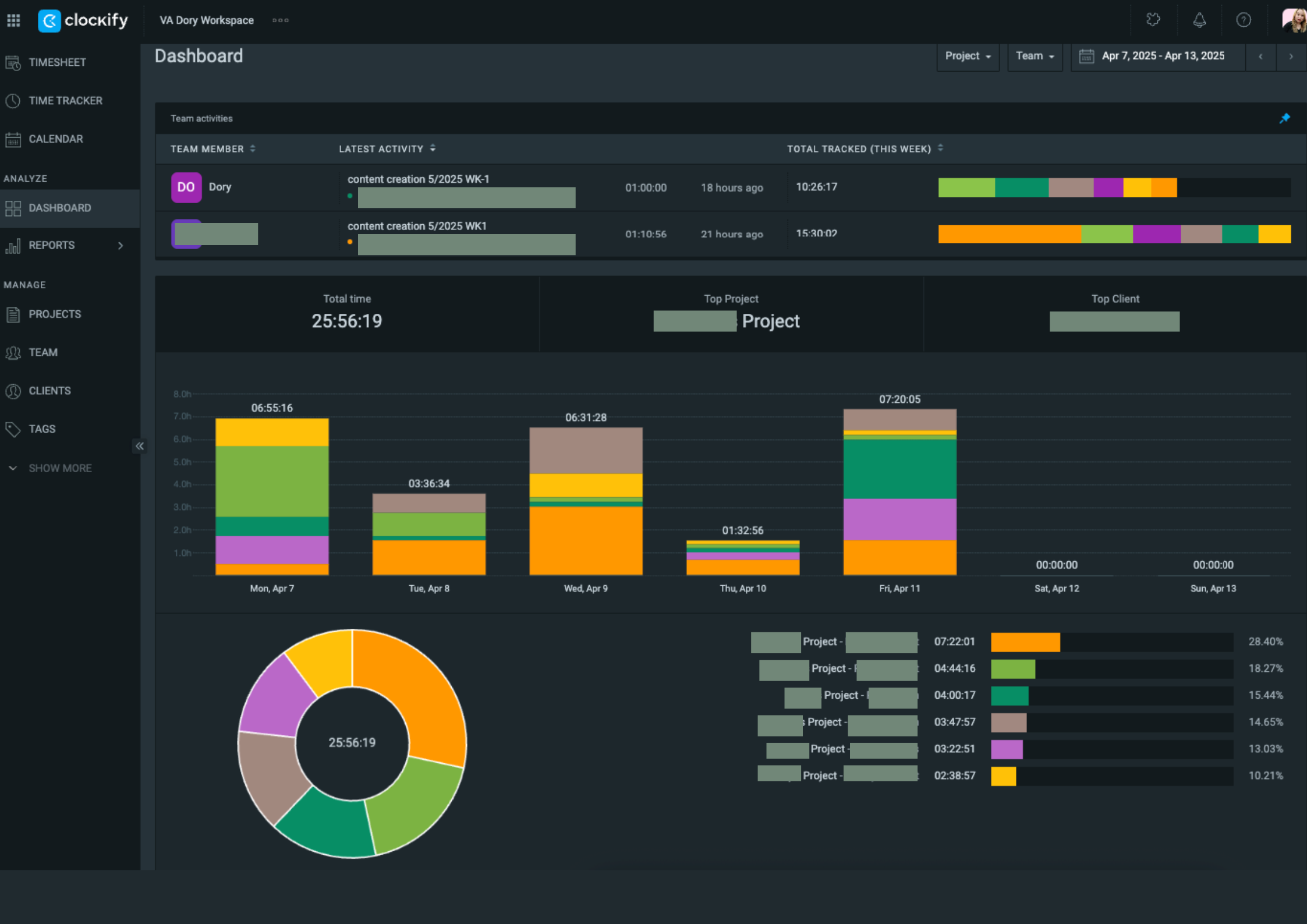
I’ve been using Clockify consistently ever since, going on four years now, and it’s become part of my daily work routine without me even thinking about it. I open my laptop, start the timer, and I’m good to go.
Here’s what I personally like about it:
It’s straightforward.
It’s really easy to use that I didn’t need to watch tutorials that much. Time is precious when you’re running your own business, and if a tool like Clockify can handle time tracking for someone like me, then it’s a win.
It gives me peace of mind.
I don’t have to think twice if I tracked a task or forgot to log it. Most of my work is project-based or hourly so it’s important for me to know that I’m billing my clients accurately.
It helps me stay transparent.
I’ve had clients tell me they appreciate how clear I am about what I worked on and for how long. They get to see exactly where their money is going, and I avoid awkward money conversations because the report speaks for itself.
Reports are super flexible.
Customizing the reports is one of the features that made me enjoy using Clockify. I can filter them by date, client, or task, and download them as a PDF, CSV, or spreadsheet. It makes invoicing so much easier.
Back in the day, I would love to spend hours and even months geeking out on tech tools or apps, but ever since I started freelancing, I needed to manage my time efficiently so when I know something works, I stick with it. Clockify is really simple and can be overlooked by other flashy time tracking softwares out there, but it does exactly what I need it to do without adding more stress to my plate.
If you’re a freelance VA who’s still manually tracking hours, this might be something worth trying. Not because someone told you it’s the best tool out there, but because it actually makes your life a bit easier. It’s free for individuals who are just starting, and absolutely a God-sent when you have a team.
Ready to simplify your time tracking, too?
Give Clockify a try and see how it fits into your workflow. It’s free, easy, and might just save you a whole lot of mental energy.